

Introducing SecurityPal’s Vendor Questionnaire Portal
Vendor security assessments require more than sending a questionnaire. Teams need a consistent way to collect information, coordinate with vendor contacts, track progress, and review responses.
SecurityPal’s new Vendor Questionnaire Portal brings these workflows together, giving teams a centralized way to manage vendor questionnaires as part of the vendor assessment process.
With reusable templates, secure vendor access, and centralized response tracking, the portal makes it easier to manage questionnaires across vendors and individual assessments.
Build and reuse questionnaire templates
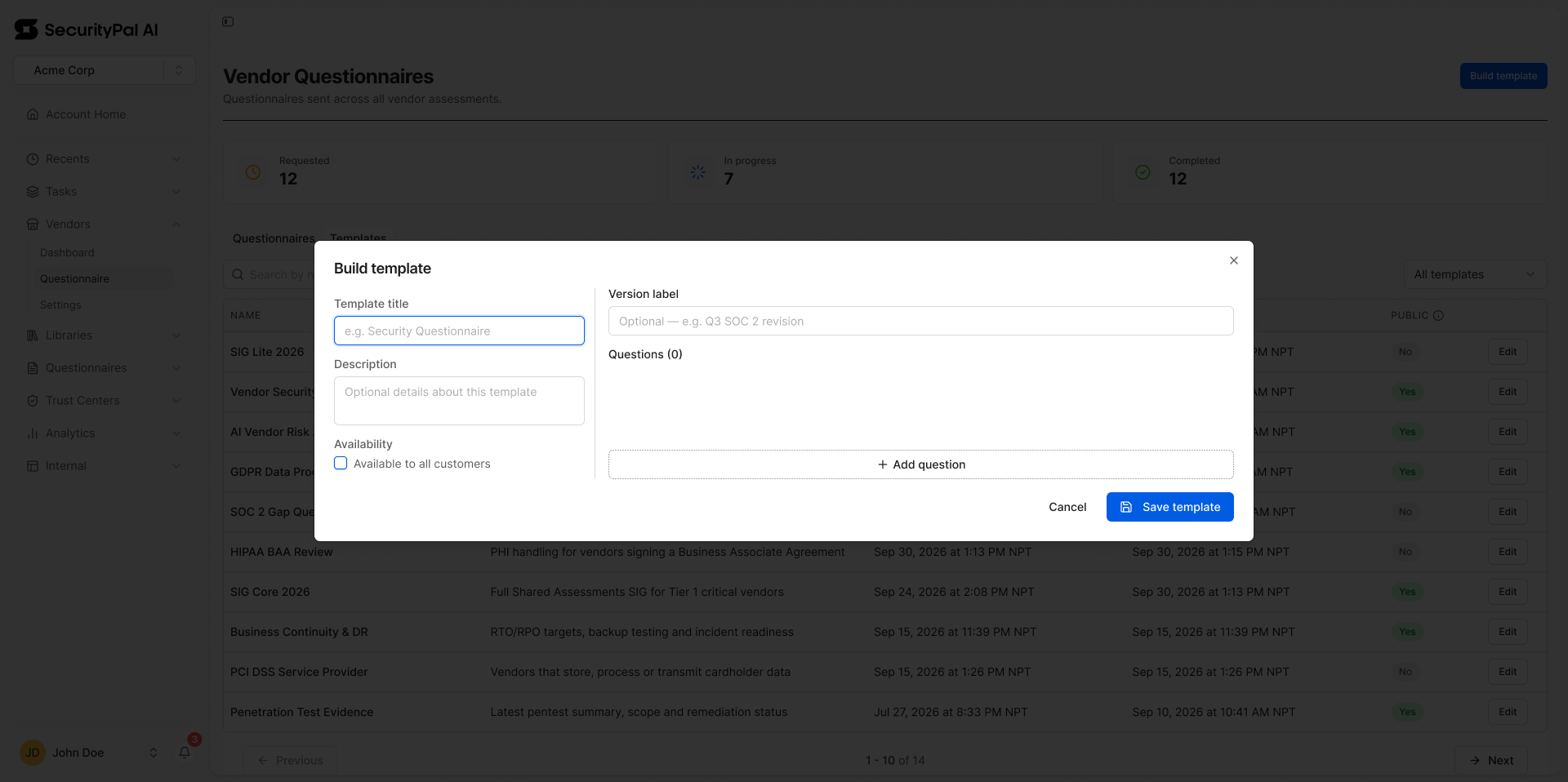
Not every vendor assessment starts from scratch. The Vendor Questionnaire Portal lets teams create reusable templates to standardize how they collect security information.
Templates support multiple question formats, including:
- Yes / No / N/A: Collect structured responses to straightforward security questions.
- Text with attachments: Request written explanations and supporting evidence.
- Select: Provide predefined response options.
Teams can configure mandatory questions, set evidence requirements, and customize templates for individual requests without changing the original. Templates also support versioning, allowing teams to maintain different versions as assessment requirements evolve.
Send questionnaires and track responses in one place
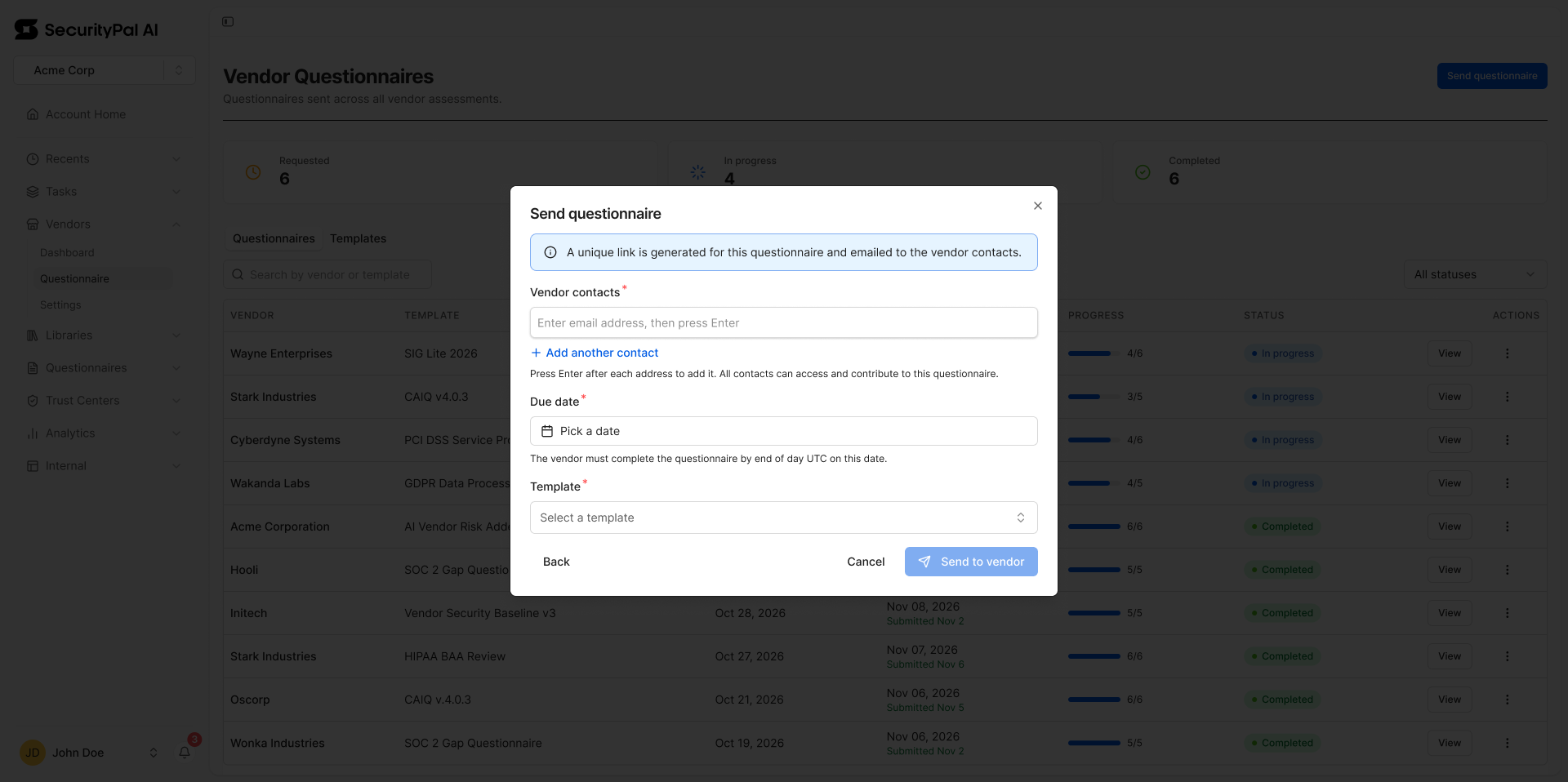
Once a questionnaire is ready, teams can send it directly to one or more vendor contacts, set a due date, and monitor its status.
The portal provides two ways to manage questionnaires:
- Central Questionnaires Portal: View and manage questionnaires across vendors, with search and filtering by vendor, template, and status.
- Individual vendor assessments: Access questionnaires directly within the relevant vendor assessment to review requests and responses in context.
Teams can also manage authorized contacts, extend due dates, and revoke or restore access to open questionnaires.
Make it easier for vendors to respond
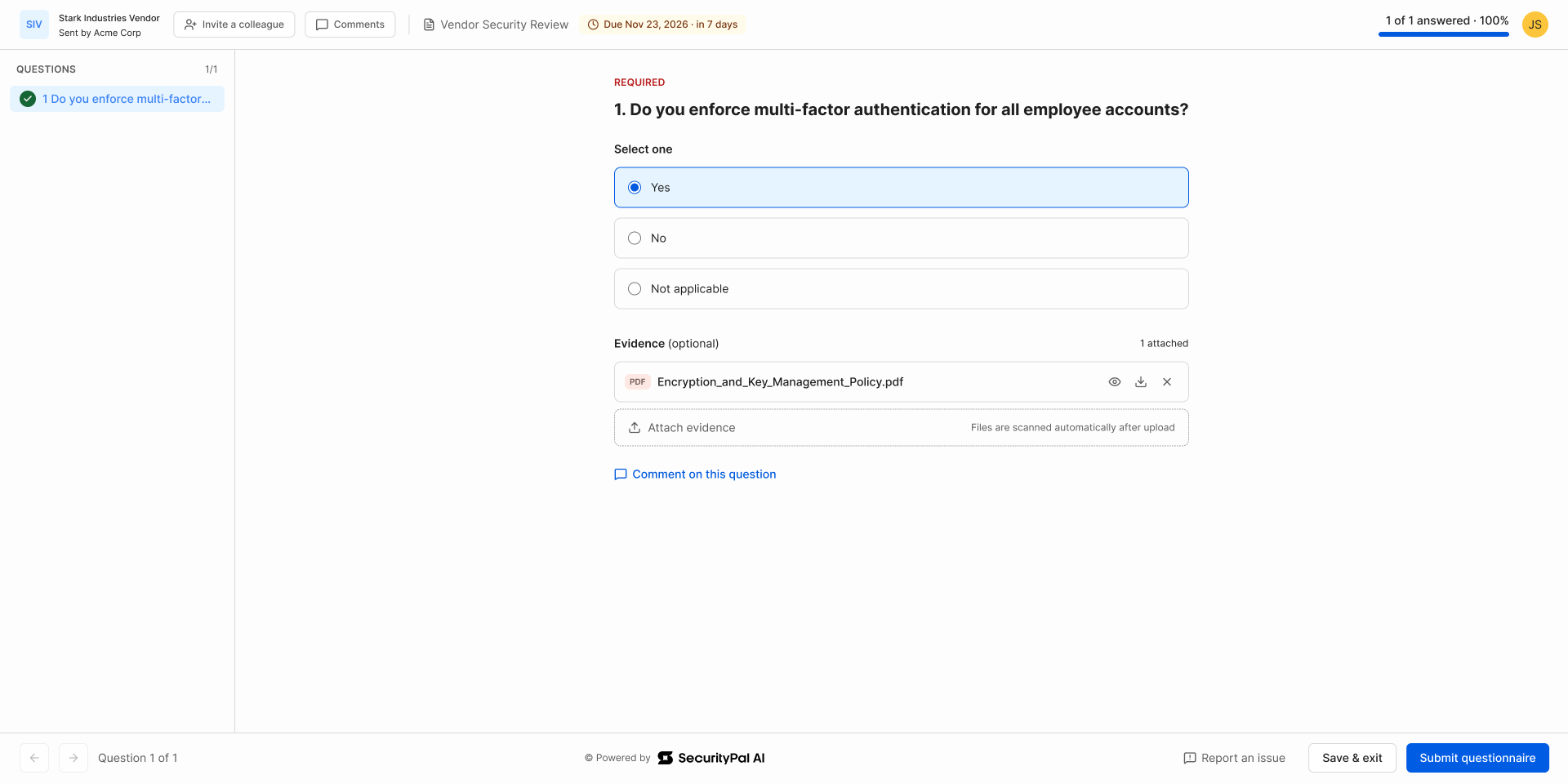
Vendors receive an email invitation and access the questionnaire through a secure, email-based magic link. From there, vendors can:
- Complete questions and upload supporting evidence.
- Save their progress and return later.
- Invite authorized colleagues to collaborate on responses.
- Submit the completed questionnaire and receive an email confirmation.
This gives external vendor contacts a dedicated way to respond without requiring access to the SecurityPal platform.
Keep questionnaire responses connected to vendor assessments
When a vendor submits a questionnaire, its status updates to Completed, and the responses become available for review within SecurityPal. Teams can view answers, access supporting evidence, and export questionnaire responses as a CSV file.
By keeping questionnaire requests and completed responses accessible through the central portal and individual vendor assessments, SecurityPal helps teams maintain visibility into the information collected throughout the assessment process.
Bringing more of the vendor assessment process together
SecurityPal's Vendor Questionnaire Portal gives teams a consistent way to request, collect, and review vendor security information. From reusable templates to vendor collaboration and centralized response tracking, the new portal brings another important part of the third-party assessment workflow into SecurityPal.


